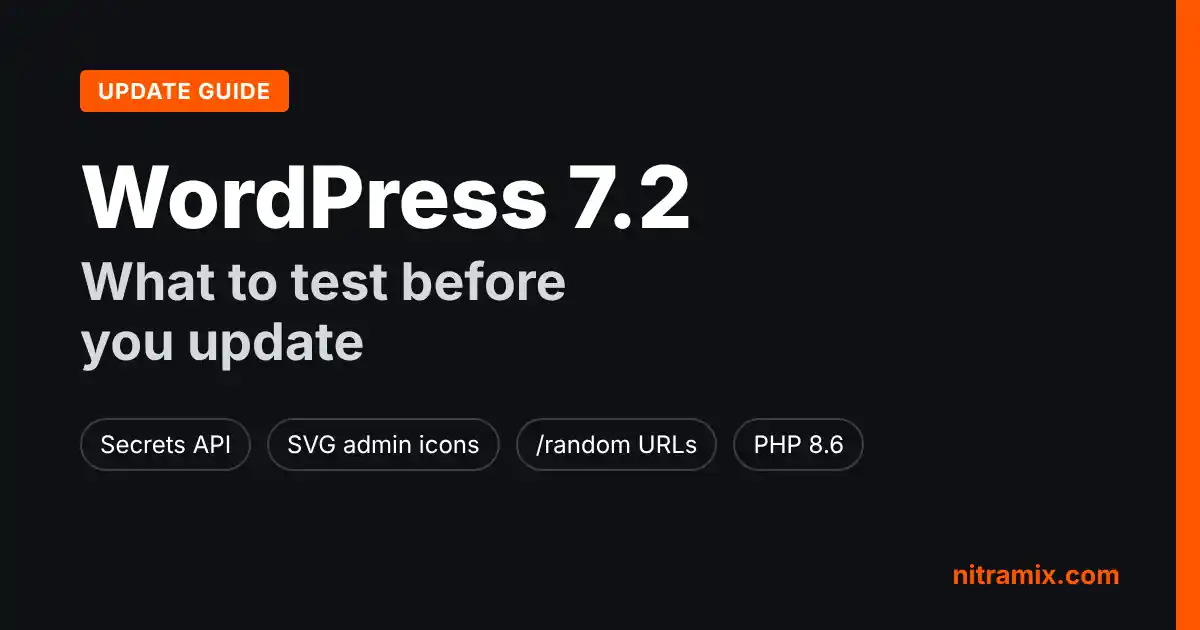
WordPress 7.2 is scheduled for December 8, 2026, and the release candidate phase starts on November 17. If you run a business site or a WooCommerce store, the next three weeks are the best time to find out what this update changes on your site, before it shows up in your dashboard. This guide covers what is new, which changes are most likely to affect plugins and custom code, and a practical checklist you can run on a staging copy.
It also covers two other updates that land in the same window: WooCommerce 11.3, which shipped on November 11, and PHP 8.6, which is planned for November 19. Taken together, they make December a busy month for site owners.
The WordPress 7.2 update window, with WooCommerce 11.3 and PHP 8.6 landing in the same weeks.
When Is WordPress 7.2 Released?
According to the WordPress Developer Blog, Beta 5 shipped on November 10, Release Candidate 1 arrives on November 17, and the final release is scheduled for December 8, 2026. The Beta 5 announcement repeats the same final date.
RC1 matters most for planning. It is the point where features are frozen, so it is the earliest build worth running a full compatibility pass against. Testing on earlier betas is still useful, but things can change before RC1.
One more date to remember: WordPress 7.1.4 shipped on October 28 with 13 security fixes. If your sites are not on 7.1.4 yet, fix that first. A pending major release is not a reason to skip a security update.
What Is New in WordPress 7.2
WordPress 7.2 is the third and final major release of 2026. Most of the changes are refinements, but a few touch the parts of WordPress that plugins and custom themes rely on. Here are the ones worth knowing about.
The Secrets API
Until now, most plugins that needed an API key stored it as plain text in the options table. This release adds a Secrets API that encrypts credentials at rest. It introduces functions such as wp_set_secret(), wp_get_secret(), wp_delete_secret() and wp_retire_secret_version(), and keeps a previous version of a secret for key rotation.
Secrets are encrypted with a key from a new WP_SECRETS_KEY constant in wp-config.php. New installs get it automatically, and Site Health tells existing sites how to add it. There is no admin screen for secrets in this release; that is planned for later.
For site owners, nothing changes on day one. Your payment, email and analytics plugins keep working as before. The benefit comes later, as plugin developers move their stored keys to the new API.
SVG Icons in the Admin Bar and Menu
The admin bar and sidebar menu now use inline SVG icons instead of the Dashicons font. Plugins that register menu items with Dashicons still get an equivalent icon. However, the Developer Blog notes that any custom CSS that uses ::before to color, hide or replace those icons may stop working or break the layout, because the icon is now a real <svg> element.
If you have admin customizations for clients, such as a branded menu or hidden items, check them on staging.
Random Content URLs
The release also adds a /random URL that redirects visitors to a random published post. It also works with archives, such as /random/category/news. Developers can opt a post type out with the new randomable argument, or turn the feature off completely with the wp_enable_random_content_direct filter.
The practical risk is small but real: if a site already has a page with the slug random, check how it behaves after the update.
Admin Scripts Are No Longer Concatenated
Admin and login screen assets now load individually instead of being bundled together, and WordPress prefetches what the next screen is likely to need. The files load-scripts.php and load-styles.php are deprecated. Some scripts that used to print in the page head now print in the footer.
Most sites will never notice. Older plugins that link to those files directly, or assume a script is already loaded in the head, are the ones to test.
Ipsum, the New Default Theme
The release ships a new default theme called Ipsum, a minimal block theme. Updating an existing site does not switch its theme, so this only matters if you start new sites from the default theme.
Smaller Changes Editors Will Notice
Notes move into a margin beside the editor canvas and gain emoji reactions, which helps teams that review content inside WordPress.
Text shadow becomes a typography control for blocks.
Translation updates are listed individually on the Updates screen, so you can choose which to install.
Application passwords trigger an email notification when one is created.
Changes That Can Break Things
Based on the developer notes, these are the areas most likely to cause problems after the update. None of them are guaranteed to affect your site, but they are where we would look first.
Custom admin CSS that targets icon
::beforepseudo-elements.Plugins that depend on admin script concatenation or on scripts printing in the head.
HTML sanitization. The Developer Blog says the move of
wp_kses()to the HTML API is now in trunk, and recommends testing if you sanitize HTML and compare the result.Database escaping. According to InstaWP's hands-on review of the betas, which cites the official dev note, the release turns off the
NO_BACKSLASH_ESCAPESSQL mode for its own database connection. If your host enables that mode, test searches and anything that saves quotes or backslashes.A database upgrade. Like most major releases, 7.2 runs a database upgrade the first time an administrator visits wp-admin after updating. That is normal, and it is one more reason to have a backup before you start.
For WooCommerce stores, the safest assumption is that anything touching checkout, payments or order data deserves its own test, even if the change looks unrelated.
PHP 8.6 Arrives in the Same Window
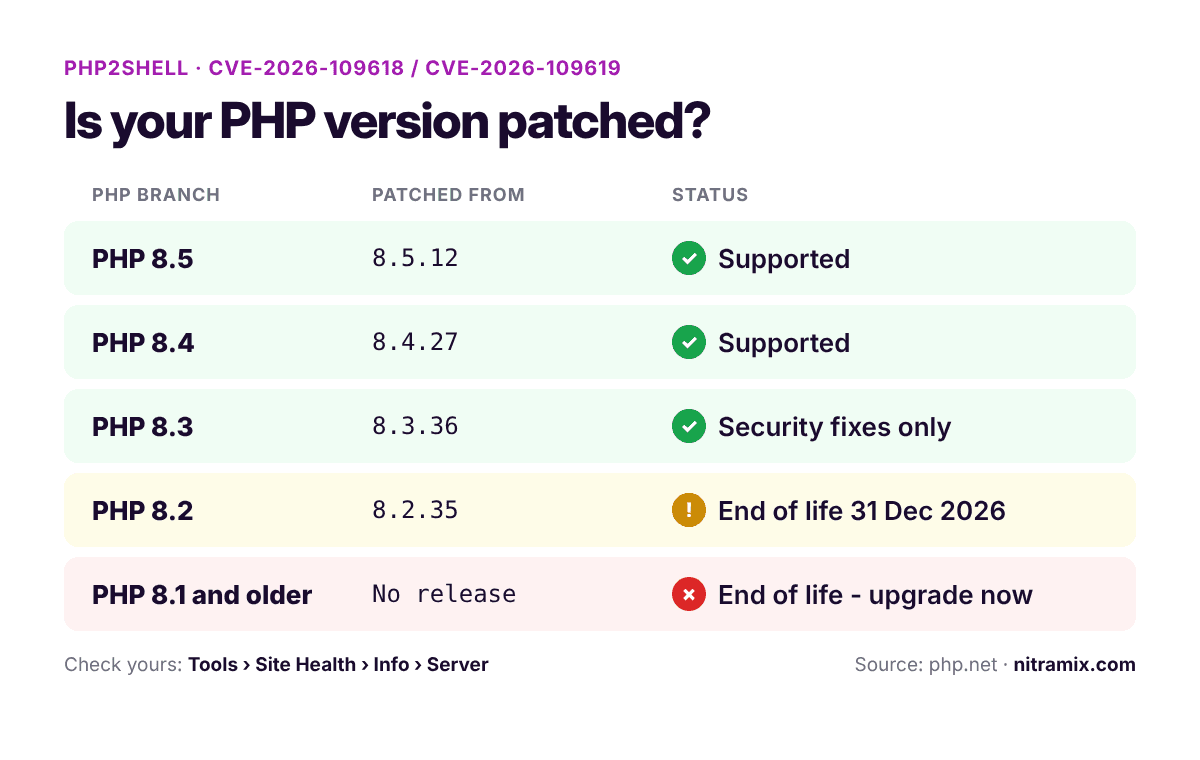
PHP 8.6 is scheduled for release on November 19, 2026. The 7.2 Beta 5 announcement says all known PHP 8.6 compatibility issues in WordPress core have been resolved, but it also makes the key point clearly: you still need to verify that your plugins and themes are compatible before switching.
Our advice is simple. Do not change the PHP version and the WordPress version on the same day. Update one, confirm everything works, then update the other. If something breaks, you will know which change caused it.
WooCommerce 11.3: What Store Owners Should Check
WooCommerce 11.3 was released on November 11. Most of the visible changes are styling improvements, such as more options for the On-Sale Badge block and smoother Product Gallery swipes on mobile. Two changes need more attention.
The Old WooCommerce MCP Endpoint Is Gone
If you connected an AI assistant to your store through MCP, read this. According to the WooCommerce Developer Blog, 11.3 removes the /wp-json/woocommerce/mcp endpoint and its REST API key authentication. Requests to it now return an HTTP 410 error.
To reconnect, WooCommerce asks you to install the MCP Adapter plugin, create a WordPress application password for a user with only the access the assistant needs, and point your MCP client at /wp-json/mcp/mcp-adapter-default-server. You can then revoke the old REST API keys.
Stricter Refund Validation and a Data Backfill
WooCommerce 11.3 is stricter about refunds created through the REST API when the amounts do not add up. That stops over-refunds, but a POS or ERP connector that ignores errors could assume a refund went through when it did not. If refunds flow into WooCommerce from another system, test a full refund and a partial refund on staging.
The release also adds payment method data to Analytics and fills it in for existing orders in the background. On a large store, keep an eye on scheduled actions after the update.
How to Test WordPress 7.2 Before It Goes Live
The Beta 5 announcement is clear that betas and release candidates are for testing only, not for production sites. You have several ways to get a test copy.
Option 1: A Staging Copy of Your Site
This is the most reliable option because it runs on the same server as your live site. If you do not have one yet, our guide on how to create a WordPress staging site walks through it, and our comparison of WordPress staging plugins covers the tools, including our own plugin, Revertix. Once the copy is ready, update it with the WordPress Beta Tester plugin (Bleeding edge channel, Beta/RC Only) or with WP-CLI:
wp core update --version=7.2-RC1
wp core version
Use the newest build that is available when you test. Before RC1 ships, that is 7.2-beta5.
Option 2: Clone Your Site Into WordPress Playground
WordPress Playground can now copy a live site into your browser with the Reprint plugin, files and database included. It is a quick way to check a plugin update or reproduce a bug. Keep the limits in mind: the browser import tops out at 2 GiB, closing the tab loses an unfinished copy, Playground does not match your host's environment, and the copy can contain user data and plugin credentials.
Option 3: A Blank Test Install
A fresh install is fine for exploring new features, but it will not tell you much about how your own plugins and theme behave. Use it alongside a real copy, not instead of one.
A WordPress 7.2 Pre-Update Checklist
Run this on a staging copy first. When it passes, repeat the important steps on the live site.
Update to WordPress 7.1.4 on every site if you have not already.
Take a full backup of files and database, and confirm you can restore it. Our list of WordPress backup and migration plugins can help if you need a tool.
Turn on debug logging on staging with
WP_DEBUG_LOGand watch for new warnings after the update.Check the admin area: custom menu icons, branded admin CSS, and any plugin screens that load their own scripts.
Look for a page with the slug
randomand check it after the update.Test forms, search and anything that saves quotes or backslashes, especially if your host enables
NO_BACKSLASH_ESCAPES.For stores: place a test order with each payment method, then refund it in full and in part. Check that refunds reach any connected POS or ERP.
Reconnect AI assistants through the MCP Adapter if you used the old WooCommerce MCP endpoint.
Change PHP separately. Test PHP 8.6 on its own, after the WordPress update is stable.
Update live in a quiet period after December 8, then place one more test order.
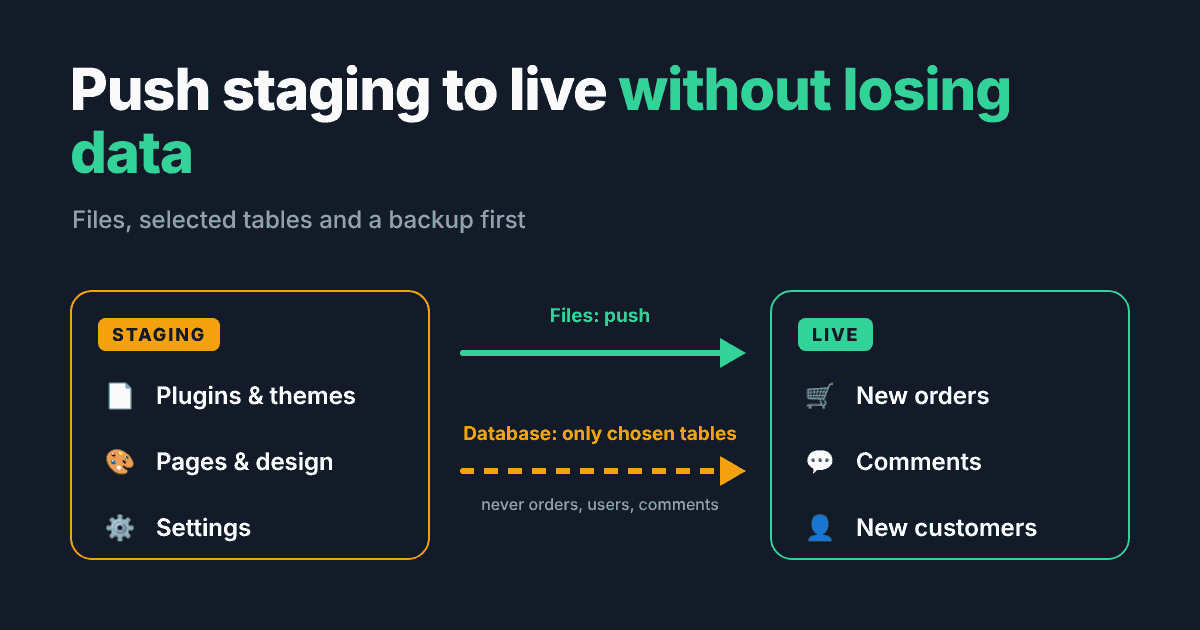
If something does go wrong after an update, our guide to fixing a WordPress white screen after a plugin update covers the first steps. And once your staging copy is tested, our guide on how to push staging to live in WordPress explains how to move changes without losing orders or form entries.
Should You Update to WordPress 7.2 on Release Day?
For most business sites, no. Waiting a few days after December 8 gives plugin developers time to ship compatibility fixes and gives the first maintenance release time to appear if one is needed. The exception is security: if a 7.2.x security release comes out later, apply it promptly.
If you manage many sites or a store where downtime costs money, a written update routine is worth more than any single release. That is what a proper WordPress maintenance plan is for. And if you would rather have someone test and apply the update for you, get in touch with our team.
FAQ
When is WordPress 7.2 released?
WordPress 7.2 is scheduled for December 8, 2026. Release Candidate 1 is planned for November 17, 2026.
Is it safe to install the beta or RC on a live site?
No. The official announcements say beta builds are for testing only. Use a staging copy, a local install or WordPress Playground, and update production after the final release.
What is the new Secrets API?
It is a new way for plugins to store API keys and other credentials encrypted instead of as plain text. It uses a WP_SECRETS_KEY constant in wp-config.php. There is no admin screen for it in 7.2.
Does the new version work with PHP 8.6?
According to the Beta 5 announcement, all known PHP 8.6 compatibility issues in WordPress core are resolved. Your plugins and theme still need their own check before you switch PHP versions.
Will the update change my theme?
No. The release includes a new default theme called Ipsum, but updating an existing site does not switch its active theme.
Do I need to do anything for WooCommerce 11.3?
Test it on staging first. If an AI assistant connects to your store through the old WooCommerce MCP endpoint, move it to the MCP Adapter plugin. If another system pushes refunds into WooCommerce, test refunds after updating.