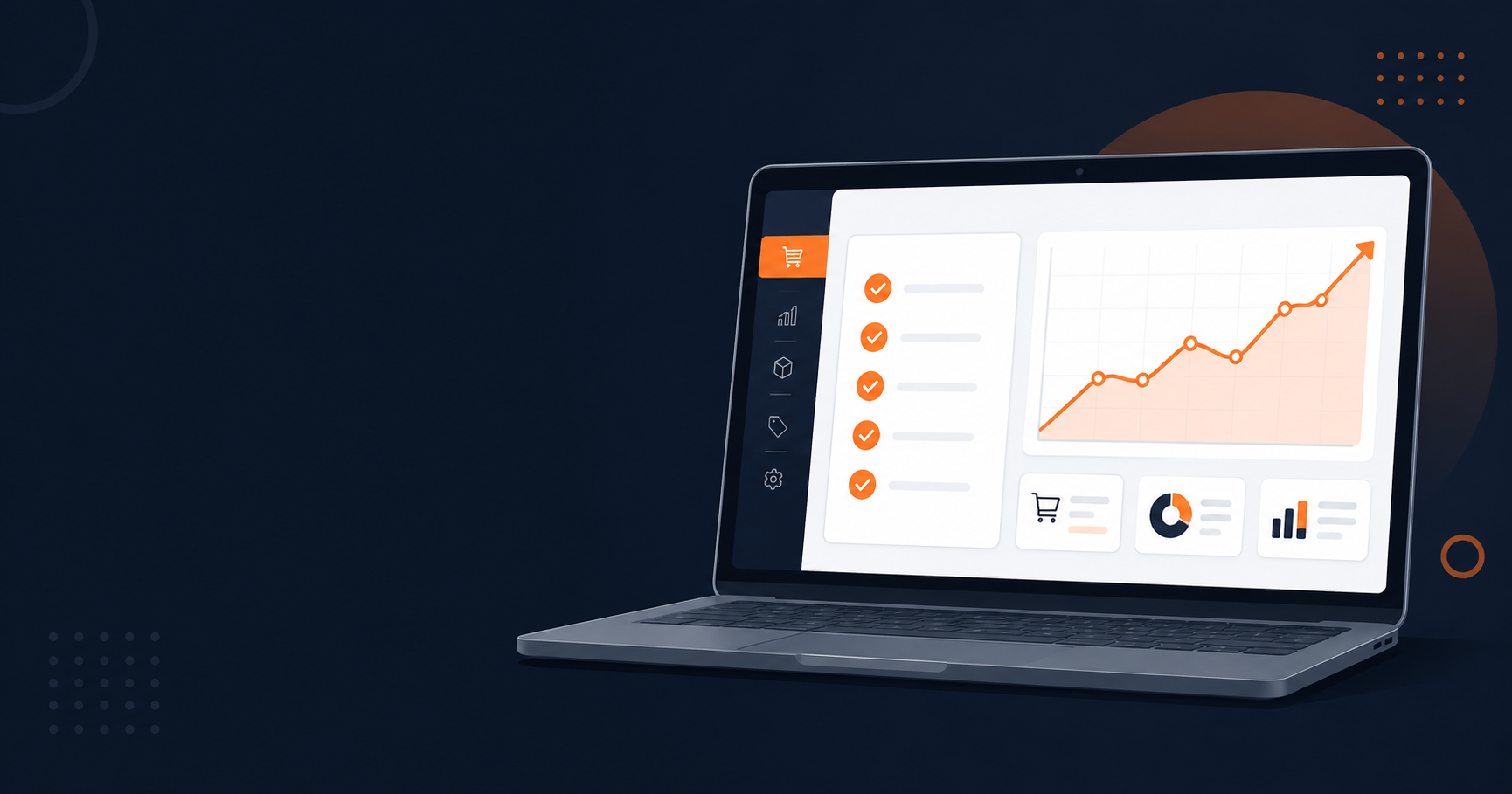
This WooCommerce Black Friday checklist is organised by when to do the work, not by which plugins to buy. Most stores fail in November for the same reason: everything gets done in the final week, changes go live untested, and there is no way back when something breaks at peak traffic.
Work backwards from your campaign date using the five phases below. Each phase has a clear goal, a small number of tasks, and a point after which those tasks become dangerous to attempt.
Five phases, each with a deadline after which the task becomes risky.
What This Checklist Covers
Three things decide how a WooCommerce store performs on Black Friday. Whether the site stays fast under load. Whether product pages convert visitors who are comparing several tabs at once. And whether a mistake can be undone in minutes instead of hours.
Marketing matters too, but marketing is what fills the store. This checklist is about what happens once the visitors are already there.
Phase 1, Eight Weeks Out: Fix The Foundation
The goal of this phase is a store that can carry several times its normal traffic without new hardware. Everything here needs weeks of observation, which is why it goes first.
Measure Your Current Baseline
Record three numbers before changing anything: your average page load time on a product page, your current conversion rate, and your server response time under normal traffic. Without these, every optimisation later is guesswork.
Test from the country where most of your customers are, not from your own connection. A store in Sofia serving German customers should be measured from Germany.
Set Up Caching Correctly
Caching gives the biggest single improvement for the least effort, but WooCommerce needs specific handling. Cart, checkout and account pages must never be cached, and WooCommerce session cookies must be excluded from cache rules.
Most quality caching plugins detect WooCommerce and apply these exclusions automatically. Verify them anyway, by adding a product to the cart in one browser and confirming the cart stays empty in another.
Cut Your Plugin Stack Down
Deactivate and delete anything you have not used in six months. Every active plugin adds database queries, front-end assets and one more thing that can conflict during an update.
Pay attention to plugins that load assets on every page. A contact form script has no business loading on your product pages, and asset control plugins let you disable individual scripts per page type.
Compress Every Image In The Library
Product images are usually the heaviest element on a WooCommerce page. Convert the whole media library to WebP and serve properly sized versions.
Run bulk optimisation now rather than later, because processing thousands of images takes hours and loads the server. Exclude your main product image and hero banner from lazy loading, since delaying the largest visible element makes pages feel slower even when they are technically faster.
Phase 2, Six Weeks Out: Make Product Pages Convert
A fast store that does not convince still loses. This phase is about the moment a shopper decides between your product page and the three others open in adjacent tabs.
Add Video To Your Product Pages
WooCommerce has no built-in support for product video, so this needs a plugin. Video Gallery for WooCommerce adds YouTube, Vimeo or self-hosted video into the existing product gallery, so video sits next to your images instead of replacing them.
Use video where it answers the objection that stops the sale. Fit and drape for clothing, real scale for furniture, texture for materials, actual operation for anything with moving parts. Keep clips short, skip autoplay with sound, and check on a phone that the video never pushes the add-to-cart button below the fold.
Six weeks is the right time for this. It gives you room to film, publish and see whether the pages with video behave differently from the pages without.
Make Search Work Properly
Default WooCommerce search misses partial matches, typos and SKU lookups. A visitor who searches and gets nothing usually leaves rather than browsing.
Live search with product images and prices in the dropdown fixes most of this. Test the exact terms your customers use, including misspellings and product codes, then confirm search result pages are excluded from your cache.
Start Collecting Reviews Immediately
Review request emails go out days after delivery, which means a campaign started in November produces nothing in time for Black Friday. Starting six weeks out is already close to the limit.
Enable automated review requests, add photo reviews if your products are visual, and confirm your review plugin outputs structured data so ratings can appear in search results.
Phase 3, Four Weeks Out: Build The Offer
The discount itself is the part everyone plans and the part most often broken by a rule that behaves differently from how it was described.
Build Discount Rules On Staging First
Default WooCommerce coupons handle simple percentage discounts and little else. Tiered pricing, BOGO offers and cart-value thresholds need a dedicated discount plugin.
Build every rule on a staging copy, then place real test orders through the full checkout. The most expensive Black Friday bug is two rules stacking, so that an already discounted product receives the campaign discount as well and sells below cost. Check that combination specifically.
Prepare Bulk Price Changes In Advance
Editing hundreds of prices through the WooCommerce admin is slow and mistake-prone, and you have to do it twice: once to apply the sale and once to restore normal pricing.
Export your catalogue to CSV, prepare both versions of the pricing file now, and keep the original export as your restore point. Loading a prepared file takes minutes. Rebuilding prices by hand on 1 December takes a day.
Segment Your Email List
Your list is the only traffic source that costs nothing and cannot be taken away by an algorithm change.
Build one segment of customers who bought during last year's campaign. They already converted at a discount once, which makes them your highest-probability audience. Give them early access before the public sale opens.
Phase 4, Two Weeks Out: Reduce The Risk
Everything so far made the store better. This phase decides how expensive a mistake will be, and it is the phase most stores skip.
Create A Staging Copy And Use It
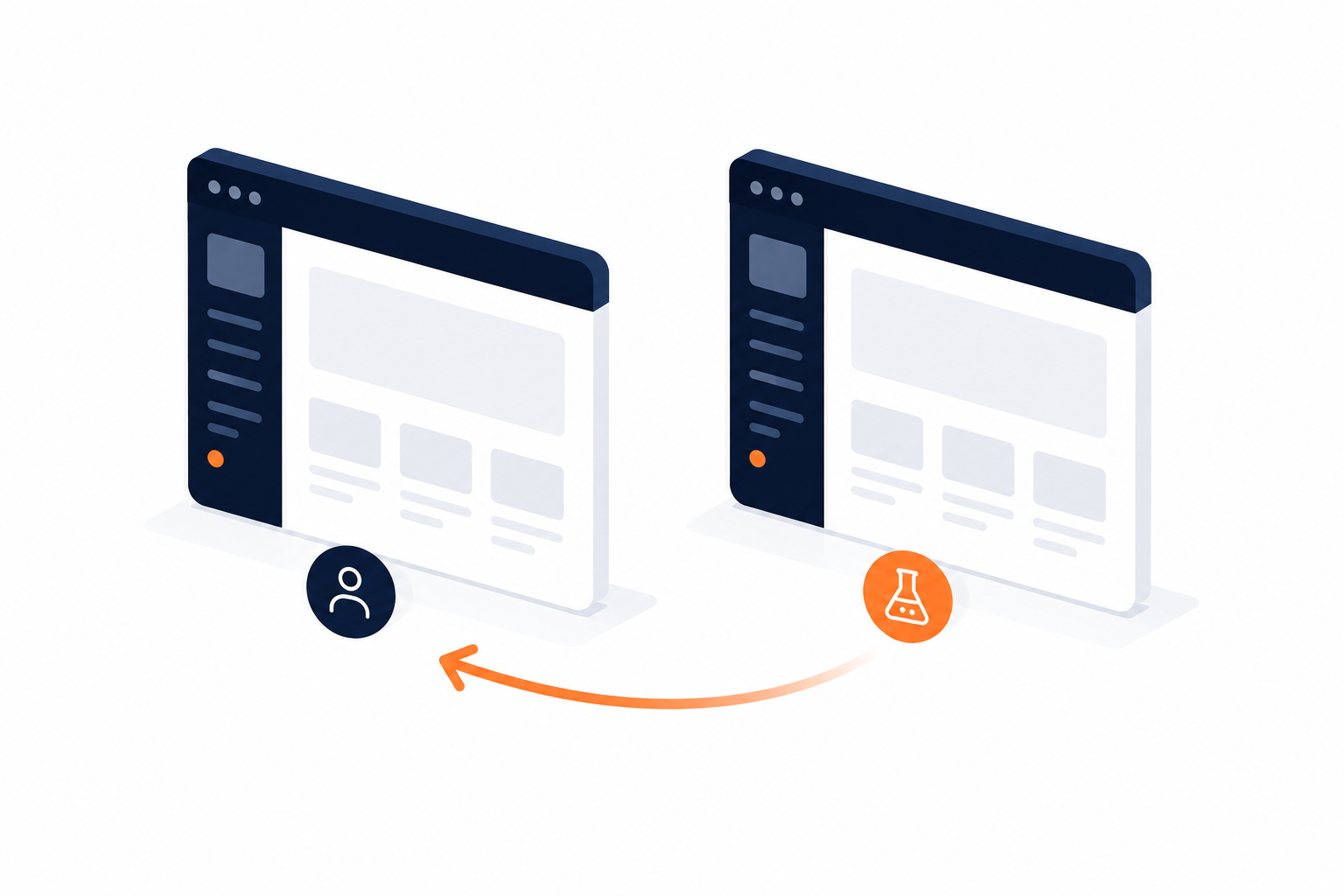
A staging site is a full copy of your store where changes are tested before customers see them. Without one, every edit during the campaign is a live experiment on paying traffic.
Revertix handles staging, backup, migration and rollback from a single plugin, so creating a copy, testing a change and pushing or reverting it does not require three separate tools that each store their data differently.
From this point on, treat the live store as read-only. Discount rules, template edits, banner changes and plugin updates all get tested on staging first.
Prove Your Backup Actually Restores
A backup you have never restored is a file, not a safety net. Corrupted archives, missing database tables and incomplete media folders are only discovered during a restore.
Restore your most recent backup to a staging environment and check that products, orders and settings all arrived intact. Then raise your backup frequency for the campaign period, because daily backups mean up to a day of lost orders if you have to roll back.
Confirm the backups are stored off-server. A backup sitting on the same server as the site does not help when the server itself is the problem.
Audit Stock Against Reality
Overselling costs more than the lost margin. It costs refunds, support time and reviews that stay online for a year.
Count physical stock against what WooCommerce reports. Plugins report the database, not the shelf, and a year of small discrepancies always surfaces at the worst possible moment. Decide in advance whether you allow backorders during the campaign, and set that behaviour explicitly per product.
Strip The Checkout Down
Every extra field is a chance to lose the order, and most Black Friday traffic is mobile.
Remove fields you do not actually need, keep guest checkout enabled, and complete the entire purchase flow yourself on a real phone using mobile data. Desktop browser resizing hides the problems that matter, particularly slow form fields and buttons that fall below the fold.
Harden Access And Security
Sale periods attract card testing, where stolen card numbers are validated through small orders on real stores. The chargebacks arrive weeks later.
Enable rate limiting on checkout attempts, enforce two-factor authentication on every admin account, and remove access for anyone who no longer needs it.
Phase 5, Campaign Week: Freeze And Monitor
From the Wednesday before Black Friday until the campaign ends, the rule is simple: nothing changes on the live store.
No plugin updates, no theme edits, no new installations, no template tweaks. The only exception is a critical security patch, and even that goes through staging first.
What you do instead is watch. Server response times, checkout completion rate, error logs and stock levels. Place one test order each morning to confirm the full flow still works end to end, including the order confirmation email.
If Something Breaks During The Sale
Decide the sequence now, while you are calm, because the middle of a campaign is the worst time to improvise.
Identify what changed last. In a proper change freeze, the answer is usually nothing on your side, which points to hosting or a payment gateway.
If a change did go live, roll it back rather than debugging it. Diagnosis can wait until December.
If the whole site is down, restore the most recent verified backup instead of investigating the cause.
Keep your host's support contact and your last backup timestamp written down somewhere outside the site itself.
After The Sale: The Cleanup Nobody Plans
Restore normal pricing from your prepared CSV, disable campaign discount rules rather than leaving them dormant, and check that no coupon remains active by accident.
Expect a higher return rate than usual, so make sure credit notes and refund handling are ready. Then note what actually broke and what carried the load, while it is still fresh. That note is the starting point for next year's checklist.
Frequently Asked Questions
When should I start this WooCommerce Black Friday checklist?
Eight weeks before the campaign. Technical work like caching and image optimisation needs weeks of measurement, and review collection needs even longer to produce visible results.
Do I need a staging site for a small store?
Yes, and small stores benefit most, because they usually have no developer on call. Staging turns a broken checkout from an emergency into a change you simply do not publish.
How often should backups run during the campaign?
More often than usual. Daily backups mean up to a day of orders lost in a restore, which is acceptable in June and expensive on Black Friday weekend.
Can I add product video this close to the campaign?
Adding the plugin is low risk and quick. Producing good video is not, so start with your best-selling products rather than the whole catalogue.
What if I only have one week left?
Skip everything except three things: a verified backup with a tested restore, discount rules tested with real orders, and a completed mobile checkout test. Those three prevent losses. The rest only adds gains.
The Checklist In Short
Eight weeks: baseline measured, caching configured, plugins pruned, images compressed.
Six weeks: product video added, search fixed, review collection running.
Four weeks: discount rules tested on staging, price CSVs prepared, email segments built.
Two weeks: staging in place, backup restore verified, stock counted, checkout stripped, security hardened.
Campaign week: change freeze, daily test order, monitoring only.
After: prices restored, rules disabled, returns handled, notes written.
The stores that come through Black Friday without incident are rarely the ones with the most plugins. They are the ones that finished the risky work in October and spent November watching orders instead of error logs.