For years most e-commerce product pages looked the same: a title, a price, a few photos and a block of text. That is changing. Shoppers now expect to see a product move, in use and at real scale, before they buy. A product page video is quickly becoming a standard part of the page, not an extra.
This article looks at what a video-first product page means in practice: which videos are worth making, where they belong on the page, how to add them without slowing the store down, and what video can and cannot do for SEO in 2026.
Why Product Pages Are Moving to Video
Short-form video on TikTok, Instagram Reels and YouTube Shorts has trained shoppers to learn about products by watching. Survey data points the same way. In Wyzowl's 2026 Video Marketing Statistics report:
96% of people said they have watched an explainer video to learn about a product or service
85% said a video has convinced them to buy a product or service
63% said a short video is how they would most like to learn about a product, against 12% for text articles
Treat these as directional: the survey had 266 respondents and was run by a video production company. Your own store data is the real test, which is why measuring is part of the plan below.
The reason video works on a product page is simple. Photos show what a product looks like. Video shows how it behaves: how a fabric moves, how big a bag is on a shoulder, how a tool is used. That answers questions that would otherwise become hesitation, support emails or returns.
What "Video-First" Means on a Product Page
Video-first does not mean replacing photos or autoplaying a loud clip on every page. It means video is treated as core product information:
In the gallery, not in a tab. The video sits with the product images, where shoppers already look, instead of in a "Videos" tab or at the bottom of the description.
Early in the sequence. The video is the first or second item in the gallery, so shoppers see it without searching.
Short and specific. Each clip answers one question in seconds, rather than one long promotional video.
Made for phones. Clips are framed so the product stays visible on a small screen, and they play inline without taking over the page.
6 Product Videos Worth Making
You do not need a studio. Most of these can be filmed with a recent phone, good light and a steady surface. Start with the one that answers your most common customer question.
1. Product in use
The product doing its job: a blender blending, a jacket being worn while walking, an app being used. This is the most useful video for most products.
2. Size and scale
The product next to a hand, a person or a familiar object. A few seconds of video answer the size question before it turns into a return.
3. Close-up details
Texture, stitching, materials, buttons, ports. Slow, close shots show quality that photos flatten.
4. Setup or how-to
Assembly, installation or first use. This helps before the sale ("is this hard to set up?") and after it, as fewer support questions.
5. Variants side by side
Colors, sizes or models next to each other in the same light. Useful when shoppers struggle to choose.
6. Customer videos
Short clips from real customers using the product. Only use them with the customer's permission, and keep them unedited enough to stay credible.
Where to Put a Product Page Video
First or second gallery slide. Lead with the main image if it sells the product best, then the video. Test both orders on your best-selling products.
A clear play icon on the thumbnail. Shoppers should know a video is there before they open it.
One primary video per product. Add more clips only when each answers a different question.
Video above the fold on mobile. On a phone, the gallery is usually the first thing on the page, so a video in the gallery is seen without scrolling.
Autoplay: What Browsers Allow
Browser rules decide what is possible here. Chrome's autoplay policy always allows muted autoplay. Autoplay with sound is only allowed in specific cases, such as after the visitor has interacted with the site.
In practice:
Use muted autoplay only for short clips that work without sound, such as a product rotating or in motion
Use click-to-play for anything with narration or music
Add the
playsinlineattribute so the video plays inside the page on iPhone instead of opening full screenAdd captions to any video with speech - many people watch with the sound off, and captions are an accessibility requirement for prerecorded video under WCAG
Keep the Page Fast
A slow product page costs sales, so video has to load without getting in the way:
Use a poster image. A lightweight still frame shows instantly while the video loads only when needed.
Do not preload the full file. Set
preload="none"orpreload="metadata"so the browser does not download the video before anyone plays it.Compress and trim. Short clips in H.264 MP4 play almost everywhere. Remove dead seconds at the start and end.
Serve large files from a CDN or a video platform. Self-hosting gives you full control of the player. YouTube or Vimeo saves bandwidth but loads their player and branding.
Check Core Web Vitals after adding video. If the video's poster is the largest element in the first view, it can become your Largest Contentful Paint, so keep that image small and fast.
Product Video and SEO: What Changed
Video on a product page helps shoppers, but it is no longer a reliable way to get video results in Google. In December 2023 Google limited video features to pages where the video is the main content. A product page where the video supports the product is not that kind of page.
What this means in practice:
The video on your product page is unlikely to show as a video thumbnail or in Google's Video tab
Search Console may report these videos as "No video indexed" with the reason "Video is not the main content of the page"
If you want traffic from video search, publish the video where it is the main content as well: on YouTube, or on a dedicated page on your site built around that video. Google's video SEO best practices cover what those pages need, including a stable thumbnail, a supported file format and VideoObject structured data.
On the product page itself, judge video by what it does for conversions, not by search features.
Measure Before You Scale
Before you film videos for every product, test the idea on a few best-sellers. Compare add-to-cart rate, conversion rate and returns for shoppers who watched the video against those who did not. Our guide to product video analytics walks through the tracking setup and how to read the results.
Then expand video to the products where it moved the numbers, and keep the format that worked.
Adding Video to a WooCommerce Product Page
WooCommerce does not put videos in the product gallery by default. Our guide on how to add video to a WooCommerce product page compares the main methods: a plugin, manual HTML5 video and page builders.
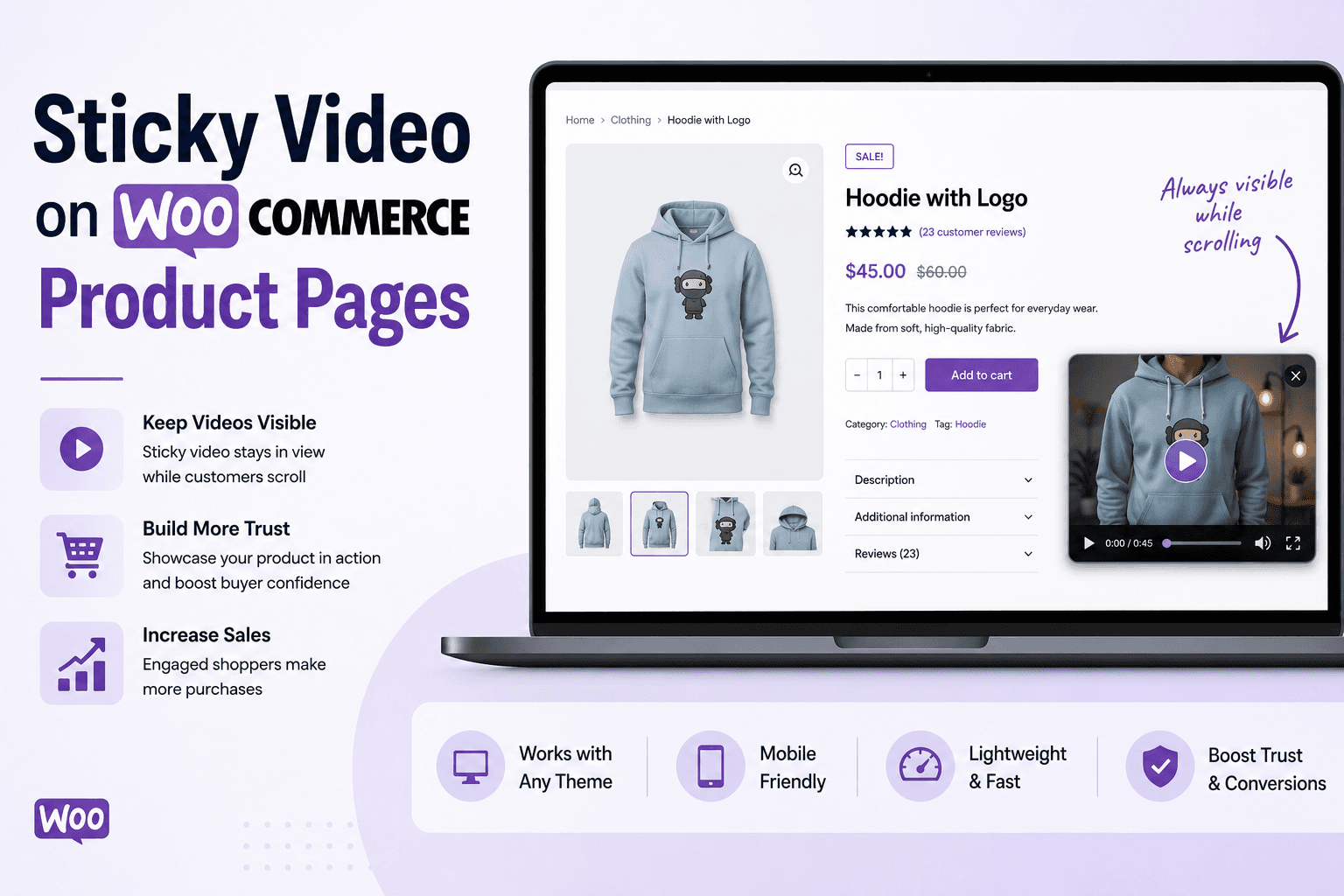
The simplest route is a gallery plugin. Our own Video Gallery for WooCommerce adds Media Library videos to the native product gallery. The free version supports up to 2 videos per product on up to 20 products. PRO adds up to 6 videos per product, YouTube and Vimeo, video analytics and sticky video on scroll. For other options, see our comparison of the best WooCommerce product video plugins.
FAQ
Do product videos increase conversions?
Surveys suggest shoppers find product videos persuasive, but results vary by product and audience. The reliable way to know for your store is to compare conversion and add-to-cart rates for visitors who watch the video against those who do not.
How long should a product page video be?
As short as it can be while answering its question. Short clips focused on one thing, such as size or how the product is used, suit a product gallery better than a long promotional video.
Should product videos autoplay?
Only muted, and only for short clips that work without sound. Browsers always allow muted autoplay but restrict autoplay with sound, so use click-to-play for videos with narration.
Will a product video show up in Google video results?
Usually not. Since December 2023, Google shows video features only for pages where the video is the main content. To reach video search, publish the video on YouTube or on a dedicated page built around it.
Should I host product videos myself or on YouTube?
Self-hosting gives you a clean player with no outside branding or recommendations. YouTube or Vimeo save bandwidth and can bring their own audience. You can also combine both: self-host short gallery clips and publish longer videos on YouTube.
Do product videos slow down the page?
Not if they are set up well. Use a poster image, avoid preloading the full file, compress the video and check Core Web Vitals after you add it.