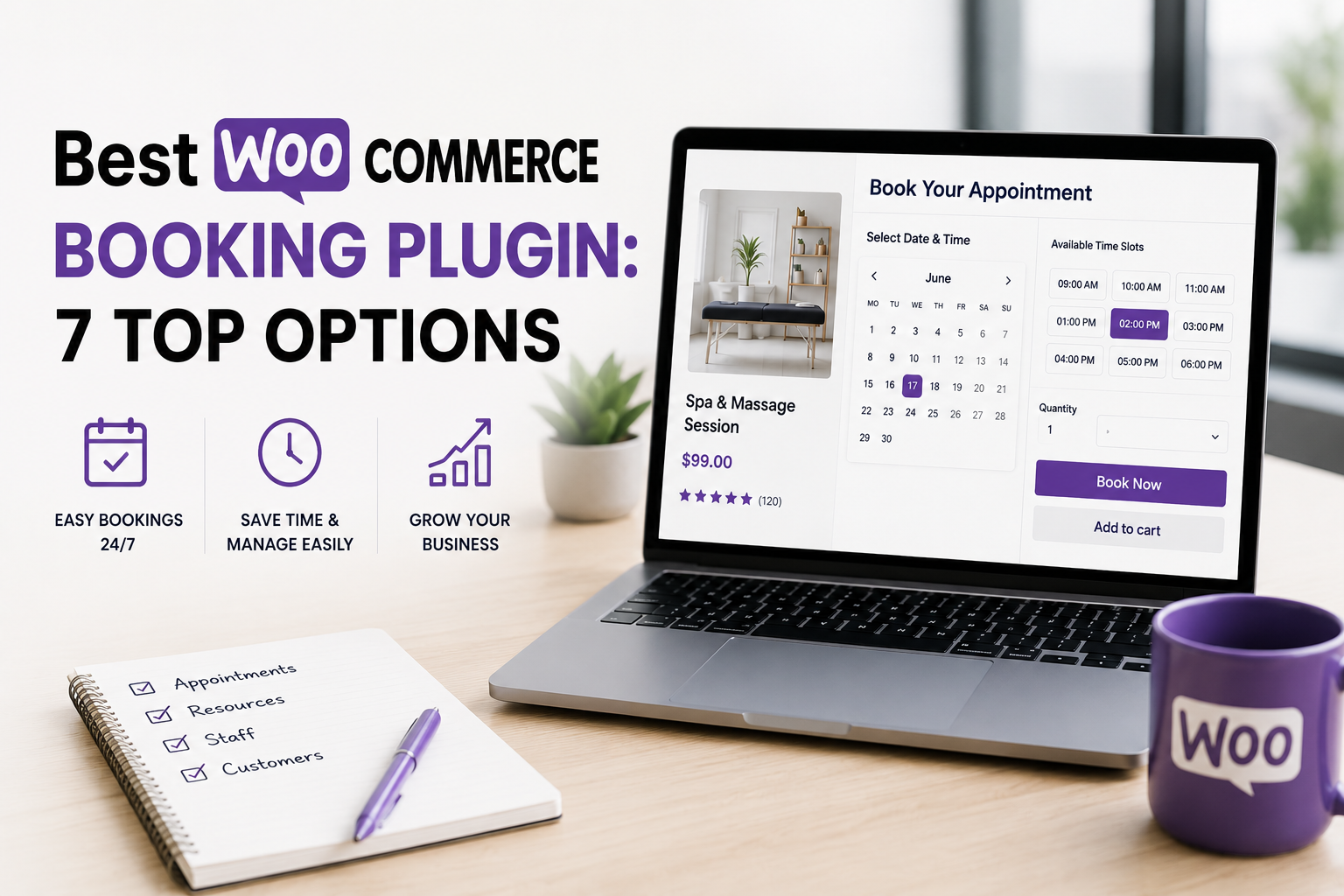
WooCommerce is built to sell products, not to manage a calendar. If your business runs on appointments, reservations, or rentals - a salon, a consultant, a hotel, a car rental, a tour operator - the default WooCommerce checkout has no idea what a "time slot" is. That's where a dedicated WooCommerce booking plugin comes in: it turns a normal product into a bookable one, with a calendar, availability rules, staff management, and pricing logic built around time instead of stock.
This guide compares the best WooCommerce booking plugin options available today, so you can pick the one that actually fits your business model instead of the one with the loudest marketing.
In this guide you will learn:
The 7 best WooCommerce booking plugin options compared
Which plugin fits salons, rentals, consultants, hotels, and multi-staff businesses
Pricing, calendar sync, and staff/resource management for each option
Common mistakes that break bookings and cost you sales
1. Bookings and Appointments for WooCommerce by PluginHive
Bookings and Appointments for WooCommerce by PluginHive is one of the most complete WooCommerce booking plugin options on the market. It covers nearly every booking scenario a service or rental business can have, from a single doctor's appointment to a multi-day hotel stay.
What it offers:
Five booking types: single-day, fixed multi-day, flexible start/end date, single time slot, and flexible start/end time
Staff and resource management, with individual availability, pricing, and leave schedules per staff member
Dynamic cost calculation based on number of days, number of guests, additional services, and special pricing rules for weekends, seasons, or specific dates
Buffer time between bookings, booking approval/confirmation workflow, and cancellation windows
Two-way Google Calendar sync, Microsoft Outlook sync, and iCalendar export for Apple Calendar
Multi-vendor support via Dokan, plus Zoom integration for online consultations and classes
WPML and Polylang compatibility, with translations available in 13+ languages
Best for: businesses that need serious flexibility - hotels and accommodation (per-night bookings with check-in/check-out), rental services (bikes, equipment, venues), and multi-staff service businesses (salons, clinics, consultants) that need each staff member to have their own calendar.
Pricing: single site license from $149/year, which includes one year of updates and support, with a 30-day money-back guarantee.
2. WooCommerce Bookings (Official, by Woo/Automattic)
WooCommerce Bookings is the official booking extension developed by the WooCommerce team itself, sold on the WooCommerce Marketplace. Because it's built and maintained by Automattic, it has the tightest possible integration with WooCommerce core and other official extensions like Subscriptions, Memberships, and Points & Rewards.
What it offers:
Book by minutes, hours, days, or months, with custom durations
Resource management for staff, rooms, or equipment, each with its own availability and pricing
Group bookings with minimum and maximum participant limits, useful for classes or tours
Buffer periods between bookings and the ability to block out unavailable dates
Best for: established WooCommerce stores that already rely heavily on official Woo extensions and want long-term compatibility guarantees straight from the source.
Pricing: starts at $249/year, making it one of the more expensive options on this list.
3. BookingPress
BookingPress is an all-in-one WordPress appointment booking plugin designed to handle everything from online scheduling and payments to notifications, reporting, and advanced booking workflows. Its biggest advantage is flexibility, with 60+ premium add-ons and 22+ payment gateways that let you extend your booking system as your business grows.
What it offers:
60+ premium add-ons for advanced booking features, integrations, and automation
22+ payment gateways to give customers more ways to pay for their appointments
Built-in support for online payments, recurring appointments, coupons, taxes, notifications, and reporting
Integrations with popular tools and services to connect your booking workflow with the rest of your business
Best for: Salons, clinics, consultants, coaches, agencies, fitness businesses, and service-based teams that need a scalable appointment booking system with extensive feature set
Pricing: Standard plans from $89/year, which includes one year of updates and support, with a 14-day money-back guarantee.
4. YITH Booking and Appointment for WooCommerce
YITH's WooCommerce booking plugin is aimed at businesses that need advanced, highly customizable pricing more than anything else. It's used by tens of thousands of stores for renting rooms, apartments, cars, and equipment, as well as for scheduling professional appointments.
What it offers:
Unlimited bookable products with hour, day, week, or month-based durations
Advanced price rules: seasonal pricing, weekday/weekend pricing, group discounts, and last-minute discounts, all stackable
"People" types (adult, child, senior, member, etc.) with individual pricing per type
Optional paid or free "resources" and "services" attached to a booking
One-way Google Calendar sync, plus iCal sync with external platforms like Airbnb and Booking.com to avoid double-booking
Custom search forms so customers can filter by location, date, or available services
Best for: vacation rentals, real estate/room bookings, and any business with complex seasonal or tiered pricing needs.
Pricing: sold as a single premium plugin with a 30-day money-back guarantee
5. Booknetic
Booknetic is a modern appointment scheduling plugin that connects to WooCommerce as one of several payment options, alongside Stripe, PayPal, Square, Mollie, and Razorpay. From its Standard plan upward, appointment payments can be routed through WooCommerce-compatible checkout.
What it offers:
A drag-and-drop form builder for the customer-facing booking panel
Unlimited staff, services, and locations on every plan
Automated reminder workflows via email, SMS, WhatsApp, and Telegram
50+ add-ons covering deposits, coupons, group bookings, and recurring appointments
A mobile app for staff to manage their own schedule
Best for: service businesses that want a modern, app-like booking experience and multi-channel reminders, and don't mind WooCommerce being one payment option among several rather than the core of the booking flow.
Pricing: WooCommerce integration is available starting from the Standard plan, priced at $99/year.
6. FluentBooking
FluentBooking connects appointment calendars directly to WooCommerce products, letting you use the full range of WooCommerce payment gateways, coupons, and tax rules for scheduled appointments. It's part of the Fluent plugin ecosystem, so it pairs naturally with FluentCRM and Fluent Forms if you're already using them.
What it offers:
Booking calendars linked to WooCommerce products for checkout, coupons, and tax handling
Native integration with FluentCRM for automated follow-up and marketing after a booking
Support for coupons and tax rules inherited directly from WooCommerce settings
Best for: agencies, consultants, coaches, and teams already using FluentCRM or Fluent Forms who want their booking data to feed into the same ecosystem.
How to Choose the Right WooCommerce Booking Plugin
Not every WooCommerce booking plugin is built for the same job. Before comparing prices, narrow your choice down by asking:
Booking type - do you need date-only, date + time, or per-night bookings?
Staff or resources - do multiple staff members, rooms, or pieces of equipment each need their own calendar?
Calendar sync - does your team already rely on Google Calendar or Outlook?
Payment flow - full upfront payment, deposits, or pay-on-arrival?
Multi-vendor support - do multiple vendors need their own bookings and calendars?
Answering these first will usually narrow a "best WooCommerce booking plugin" search down to one or two realistic options instead of seven.
Common Mistakes to Avoid
Choosing based on price alone - a cheaper plugin that can't handle staff schedules or seasonal pricing will cost more in workarounds later
Ignoring calendar sync - if your team already lives in Google Calendar or Outlook, a plugin without two-way sync creates double-booking risk
Skipping the buffer time setting - without buffer time between bookings, back-to-back appointments leave no time for prep, cleaning, or travel
Not testing the mobile booking flow - most customers will book from a phone; test the calendar and checkout on mobile before launch
Overlooking support quality - booking systems are business-critical; check recent reviews for how fast and how well each vendor's support team responds
Need a WooCommerce Booking Store Built Right?
If you want:
A booking plugin correctly configured for your exact business model
A fast, mobile-optimized checkout flow for appointments and reservations
Clean integration with staff calendars, payment gateways, and reminders
Check Nitramix Web Development. We build and configure WooCommerce booking stores end to end, from plugin selection to a checkout flow that actually converts.
FAQ
Do I need the official WooCommerce Bookings extension if I already have another booking plugin installed?
No. A dedicated WooCommerce booking plugin is a complete, standalone solution and doesn't require the official extension as well. Running two booking plugins on the same bookable product can cause conflicts, so pick one.
Can I offer group bookings and staff selection at the same time?
Yes, as long as the plugin supports both resources (staff/rooms) and participant counts. Check this specifically before buying if group bookings with staff assignment matter to your business.
Which type of plugin is best for a hotel or rental business?
Look for one that supports per-night bookings with check-in/check-out logic and seasonal or date-range pricing rules - not every WooCommerce booking plugin covers both well.
Do these plugins support deposits or partial payments?
Many do, usually through a companion deposits/down-payments add-on rather than built into the core plugin. Confirm this is available before committing if partial payments matter for your bookings.
Will a booking plugin slow down my WooCommerce store?
Any plugin adds some overhead. Test your site speed after installation with PageSpeed Insights or GTmetrix, and favor plugins that specifically mention backend performance optimization for stores with large booking volumes.